01 / Collect
One photo. One sticker.
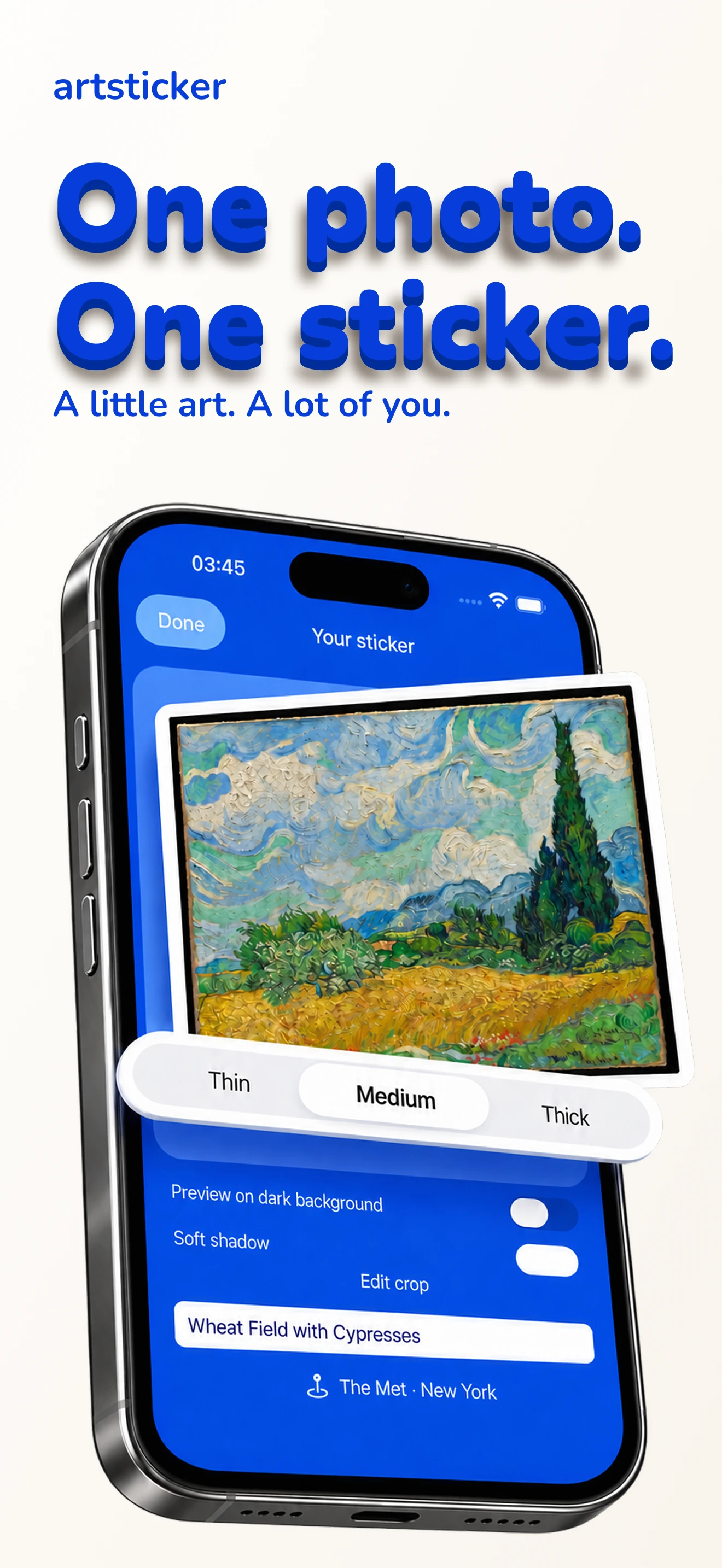
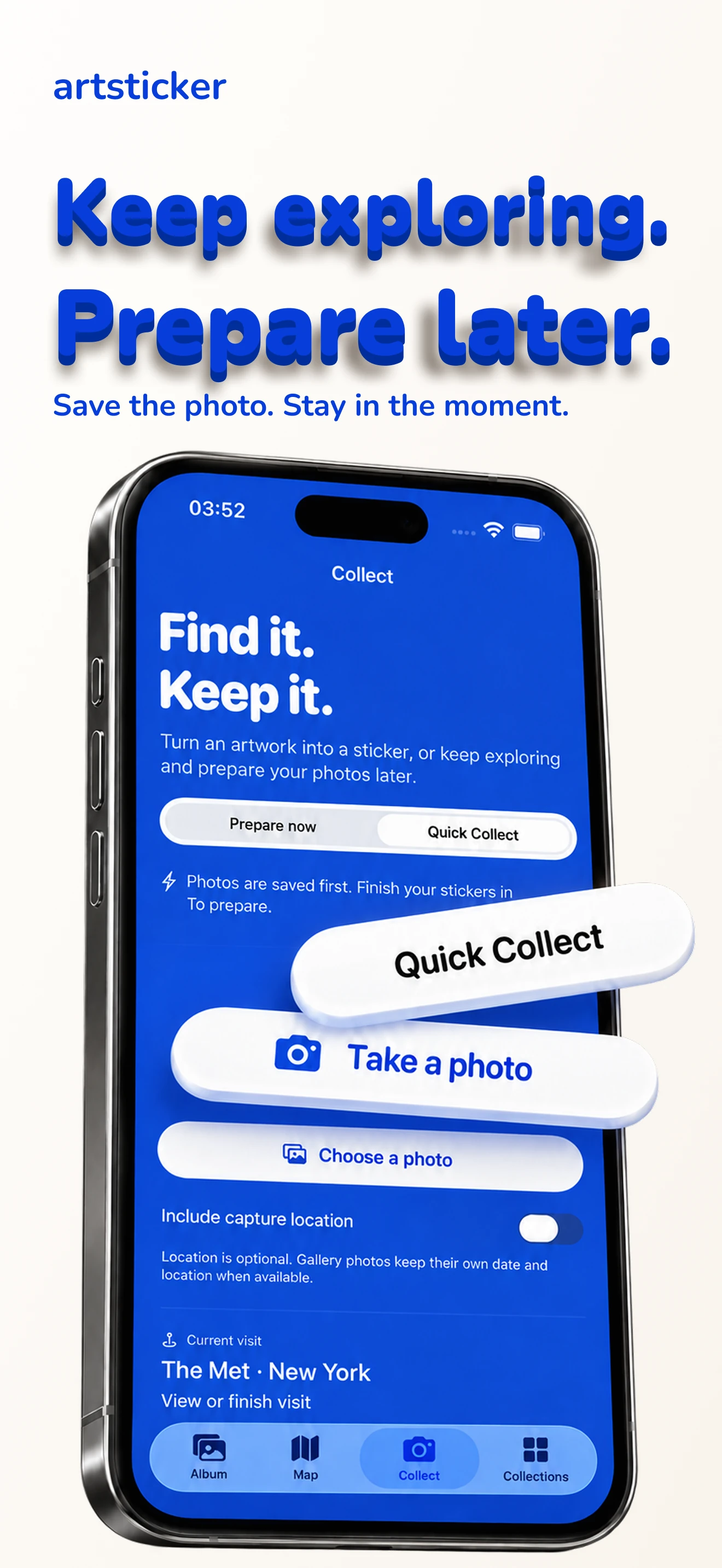
Adjust the artwork’s corners, keep its shape and finish it with a white border. Or use Quick Collect to save photos now and prepare them later.
Art & museum memories / iPhone / 09

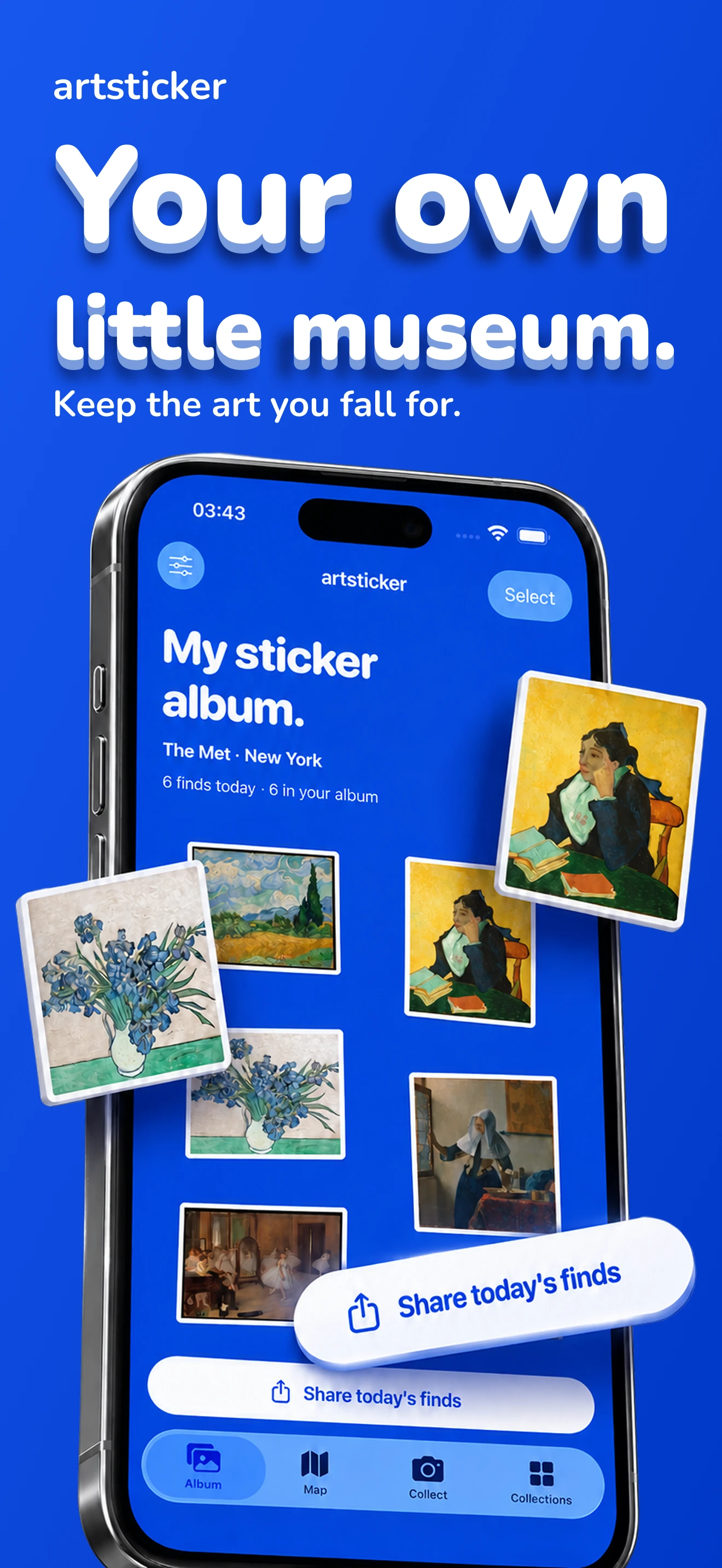
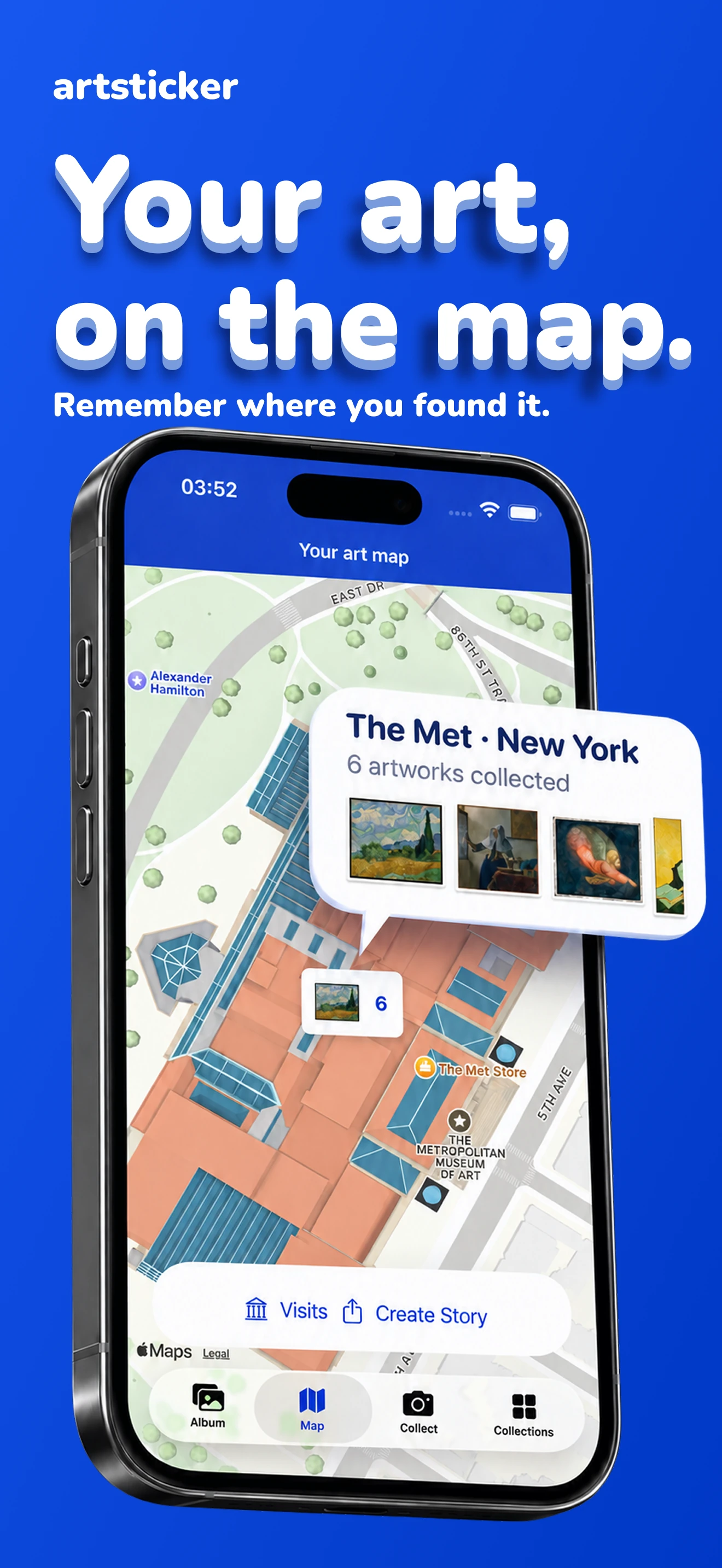
ArtSticker turns the paintings you photograph into a personal sticker album. Keep your museum discoveries, remember where you found them and share your favorites in a Story.
A look inside
Explore the album, stickers, Stories, collections, art map and Quick Collect.
Open any preview to see it in full size.
The idea
A camera roll fills up quickly after a museum day. Give the paintings you love a home of their own: an album you can revisit, organize and turn into a beautiful record of your visit.
01 / Collect
Adjust the artwork’s corners, keep its shape and finish it with a white border. Or use Quick Collect to save photos now and prepare them later.
02 / Remember
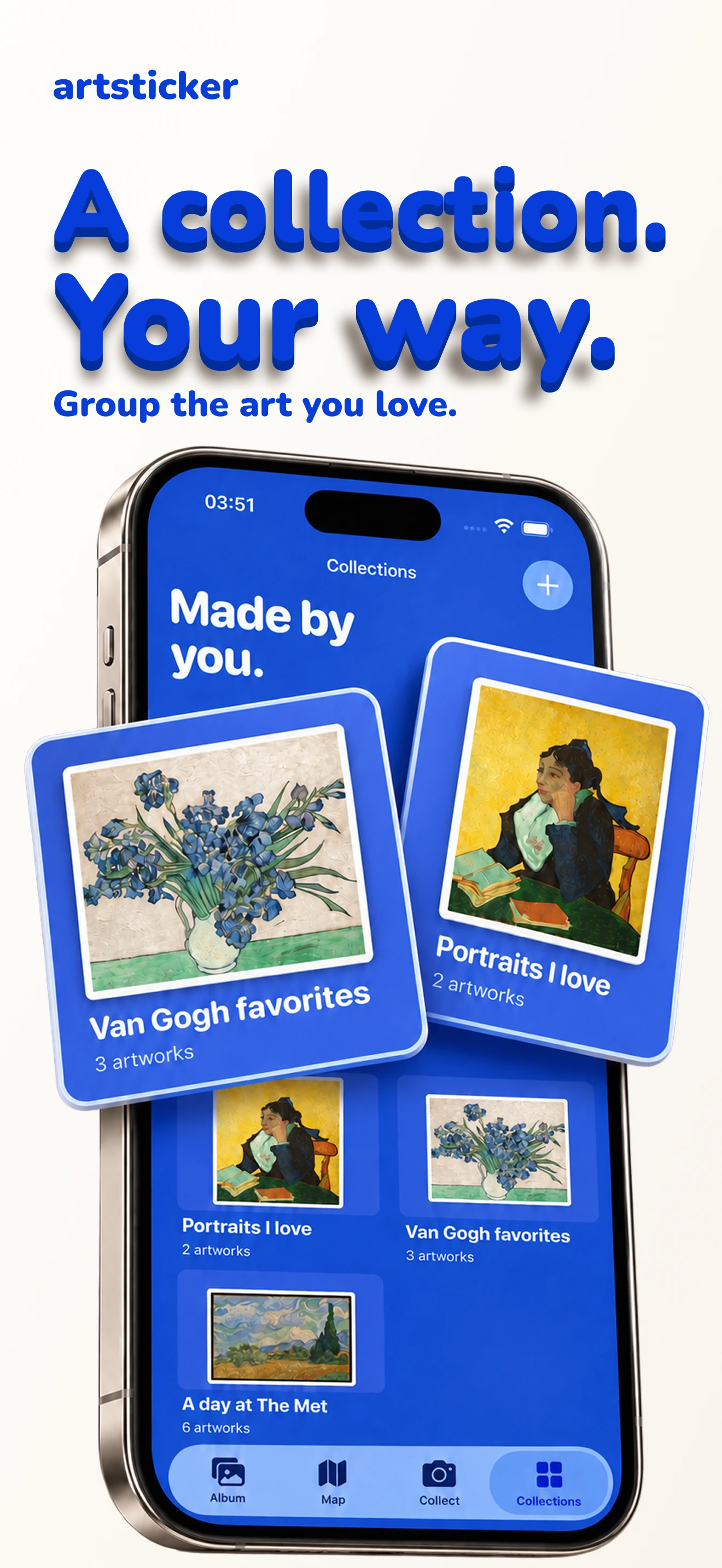
Group artworks in collections, add notes and favorites, and keep museum visits and selected places on your art map.
03 / Share
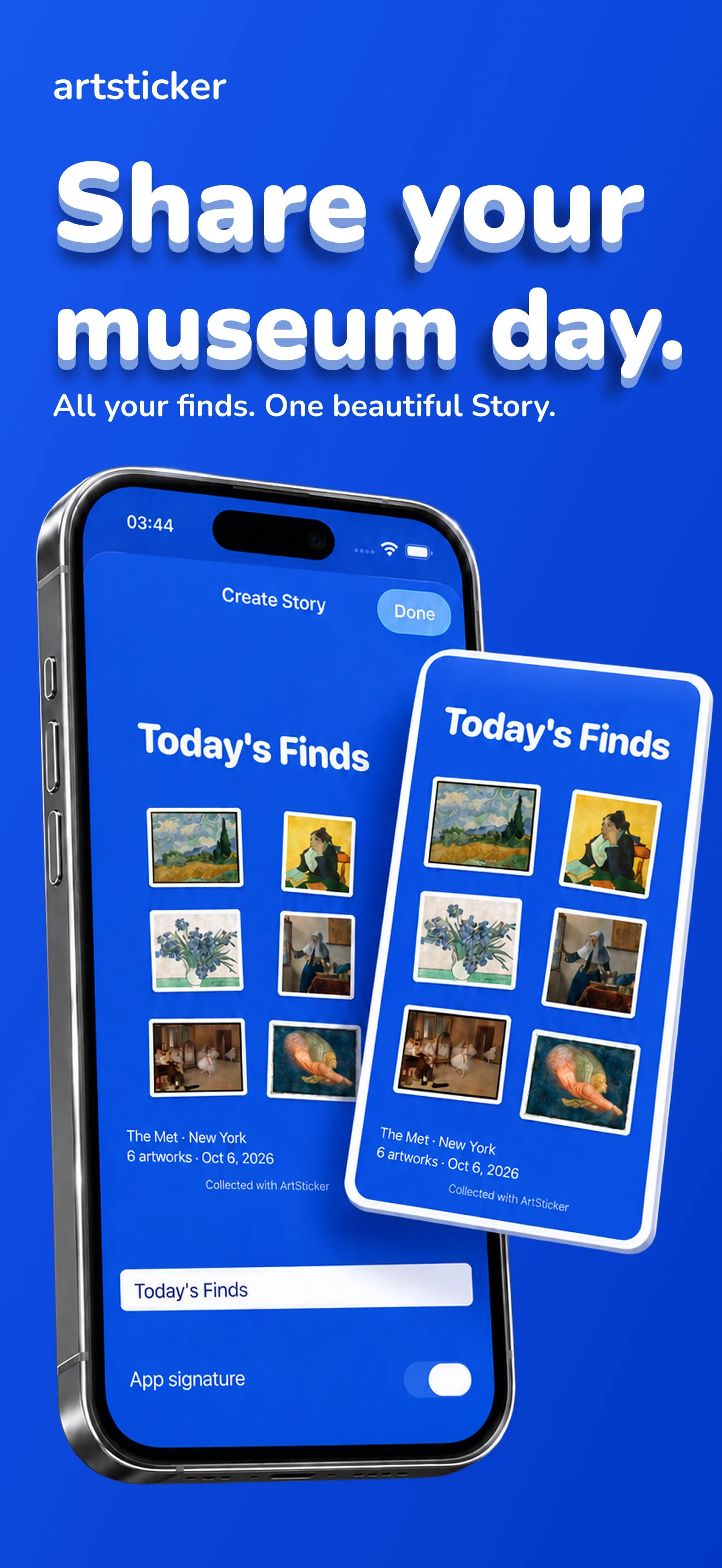
Bring up to eight stickers into one Story. Add your title, place or date, then save the image for sharing.
Built around your discoveries
Your photos and album live on your iPhone. Sticker processing happens on the device, and no album account is needed. Export a backup whenever you want to keep a copy.
Free & Pro
Start with 30 finished stickers and 3 collections. Pro adds unlimited capacity, more Story designs, printable sticker sheets and a year-in-art Story. Available plans and prices appear in the app before purchase.
Read the FAQs